Kortical MLOps
Deployment
Enterprise AI and ML creation, deployment and MLOps made easy
Easy to use apps for better business outcomes
Users don’t consume machine learning models – they consume machine learning apps and services.
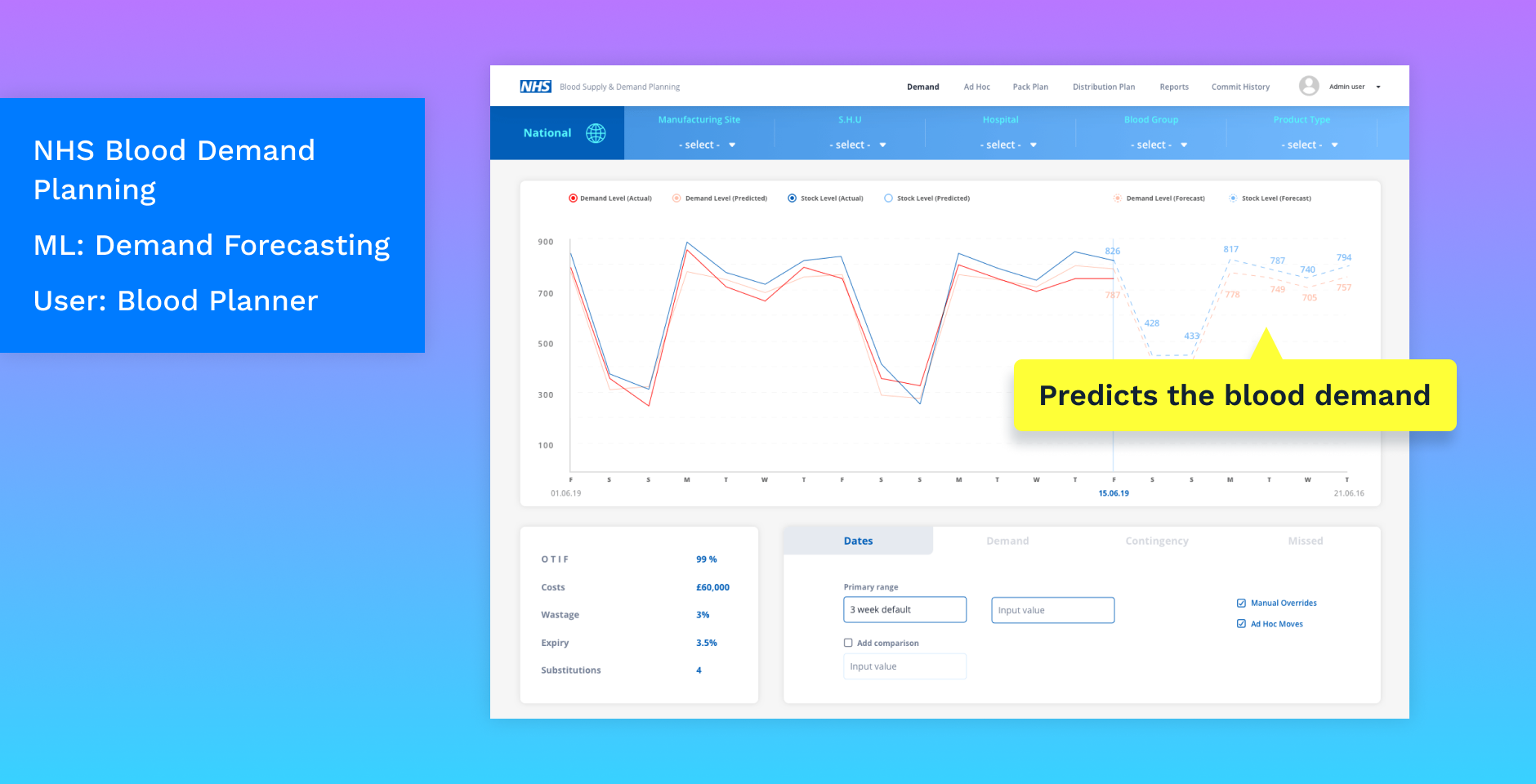
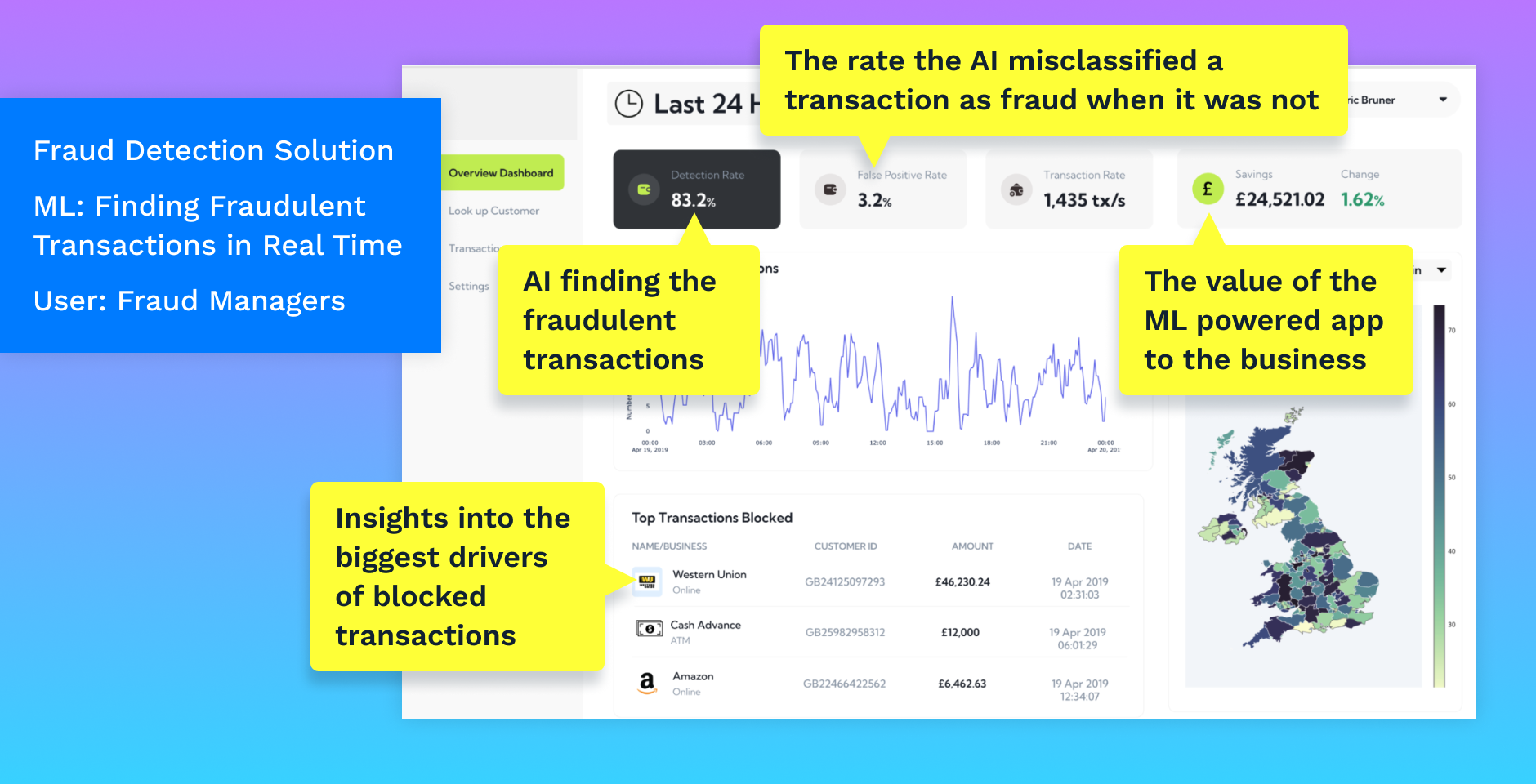
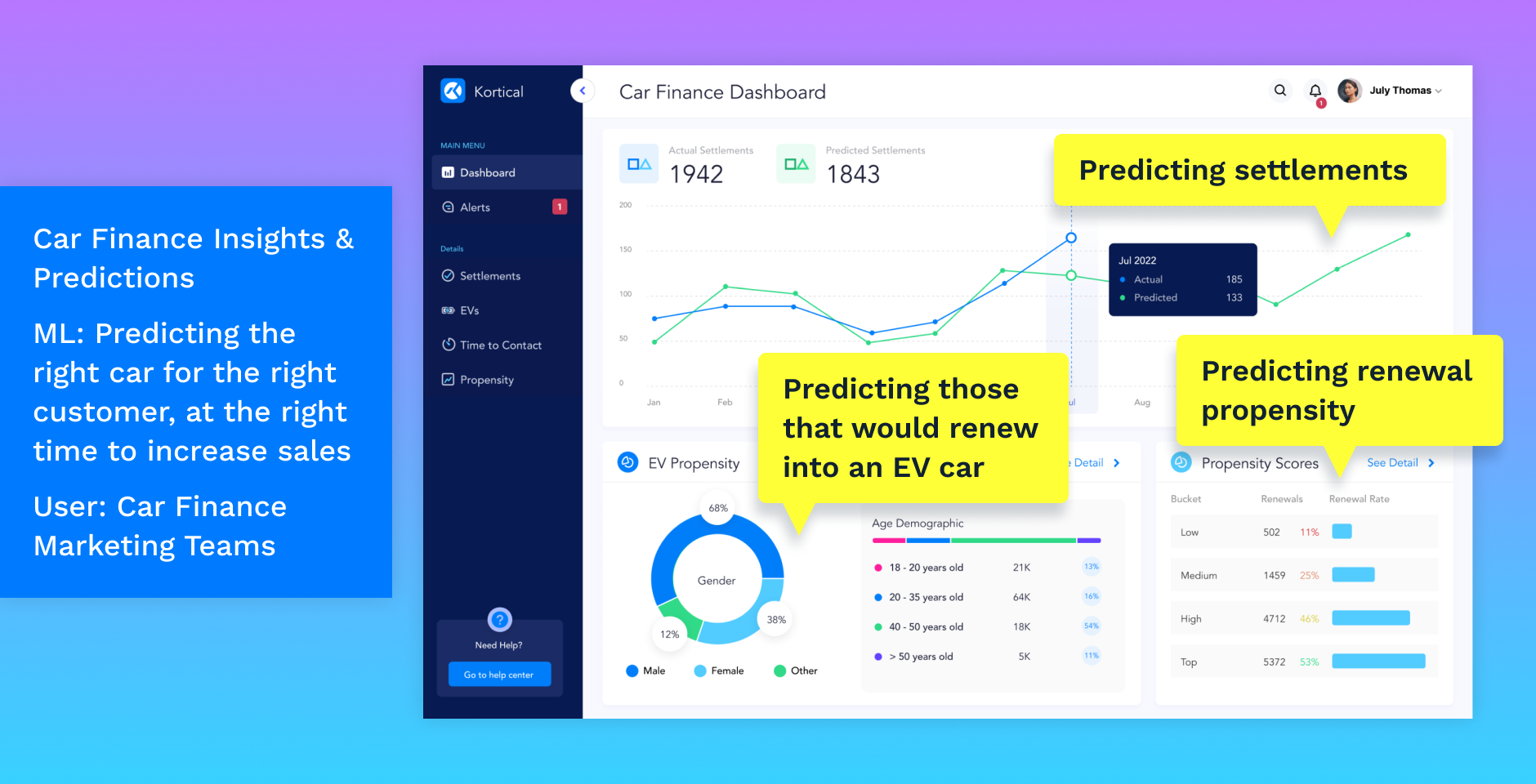

Build ML apps and models easily and quickly
Kortical’s groundbreaking ML deployment platform makes it easy to build machine learning models and the apps that use them.
Apply your expertise
It's designed to be super simple to get started while also being expert-friendly. It has full code and transparency, so you can change anything and build whatever you want.
Do more with less, faster
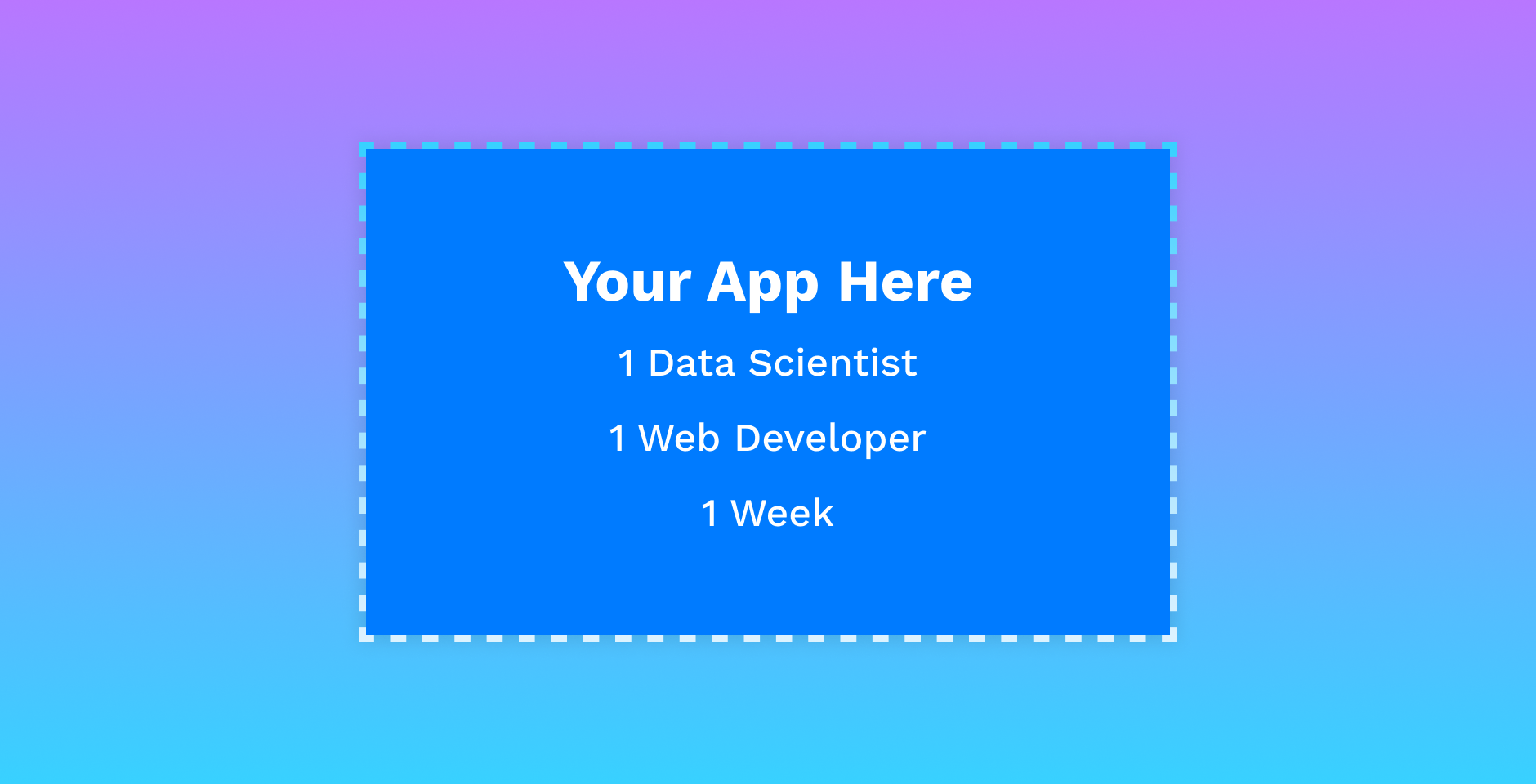
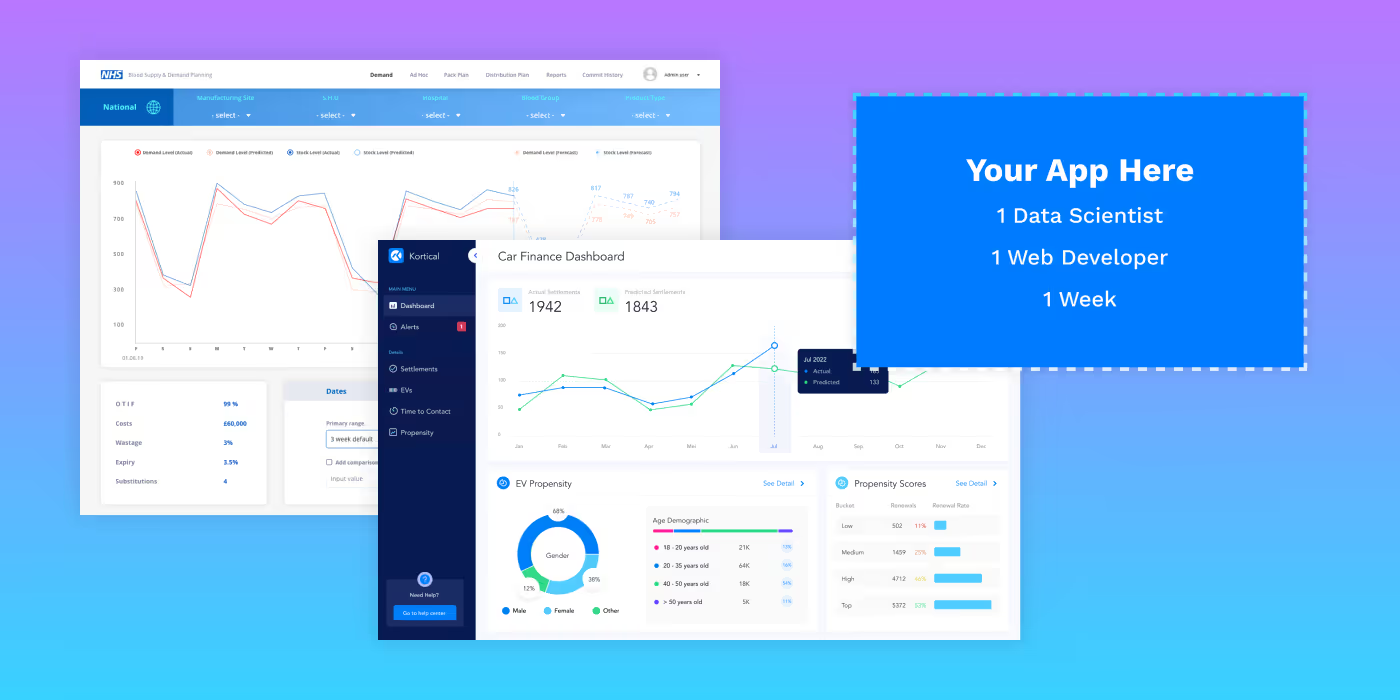
The idea is to knock out a cool POC ML app, all you'll need are:
- 1 data scientist
- 1 front-end Developer
- 1 week
This would typically be ready to deploy live to production in 1 month for a relatively straightforward ML app.
Build
Steps to create your ML App with Kortical
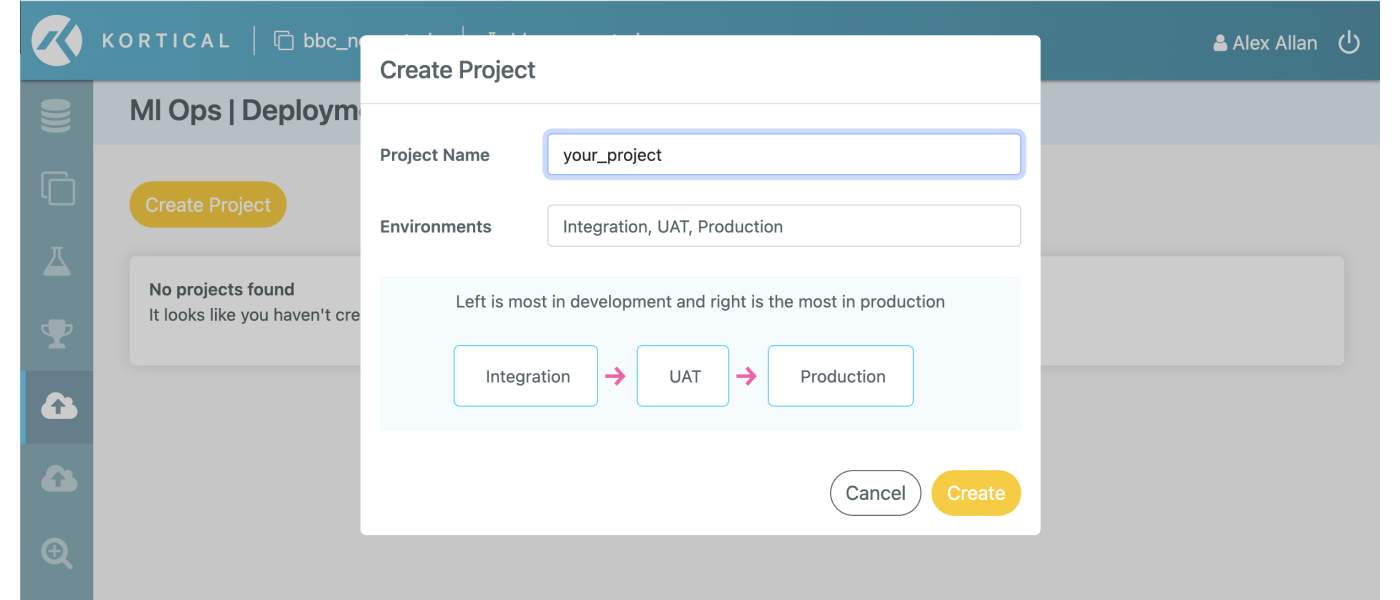
Create a project and environments in the platform
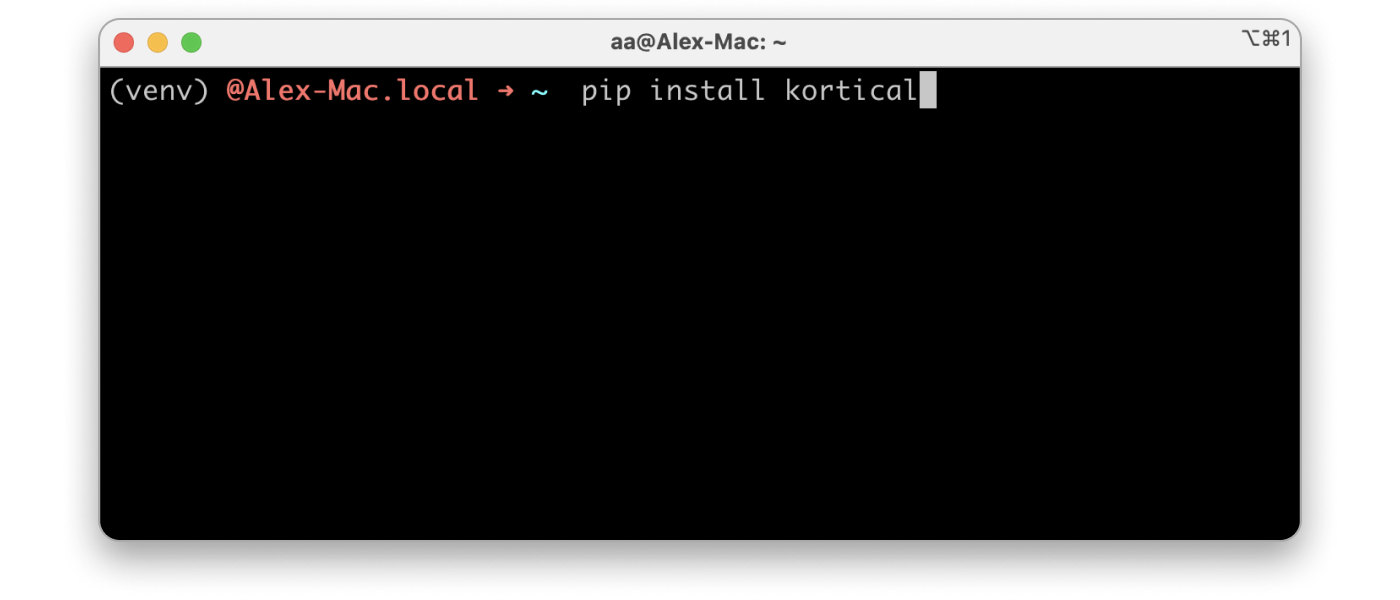
Install the Kortical Python package
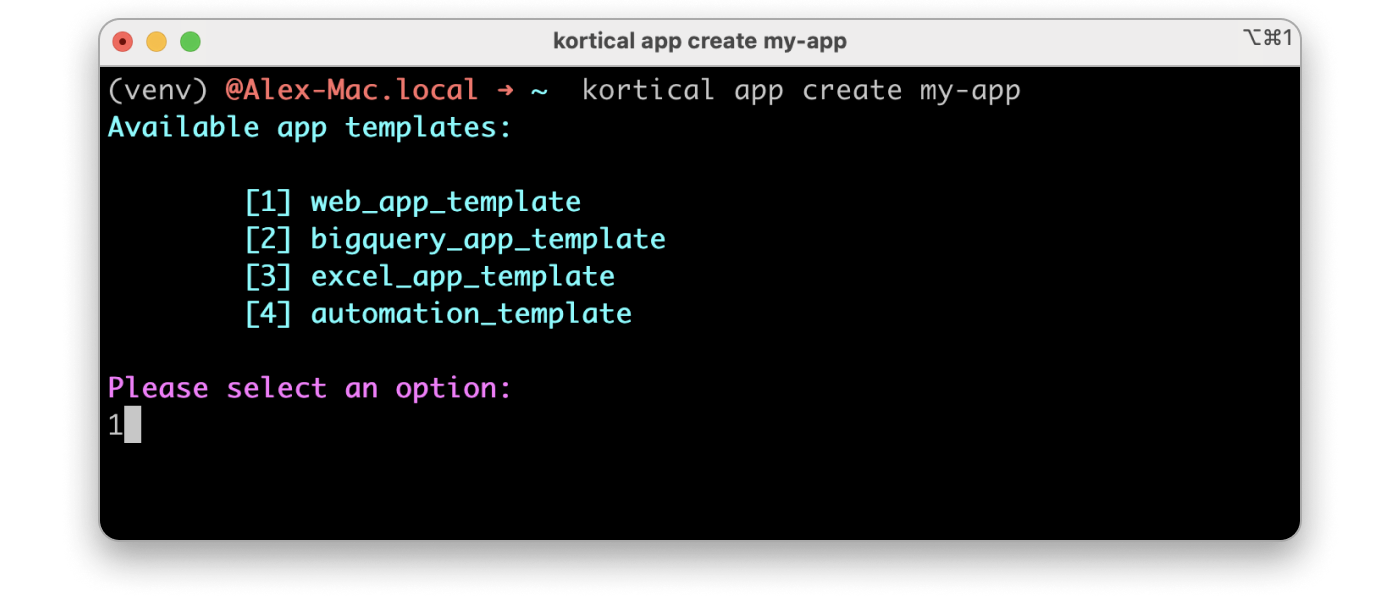
Select your app template to start from
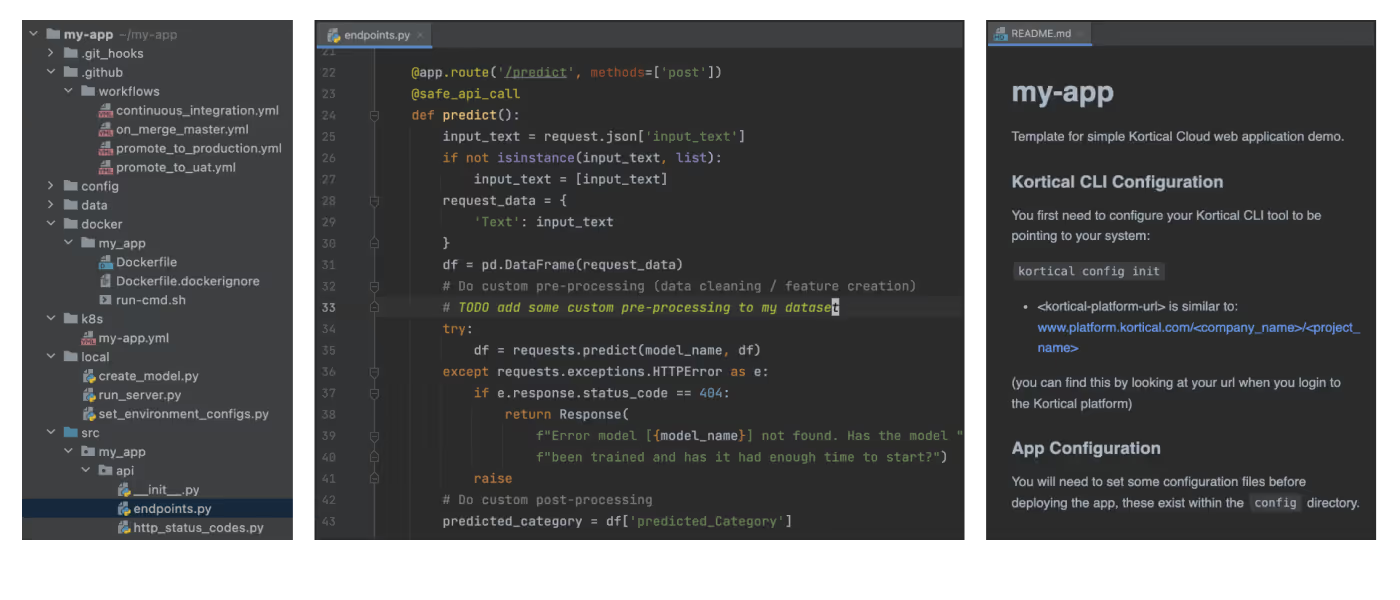
Open the code, make whatever changes you like
Build your ML model in code or build model in the platform
- Exploratory Data Analysis
- Data Cleaning / Feature Creation
- AutoML
- Model Explainability
- Automatic Experiment Tracking
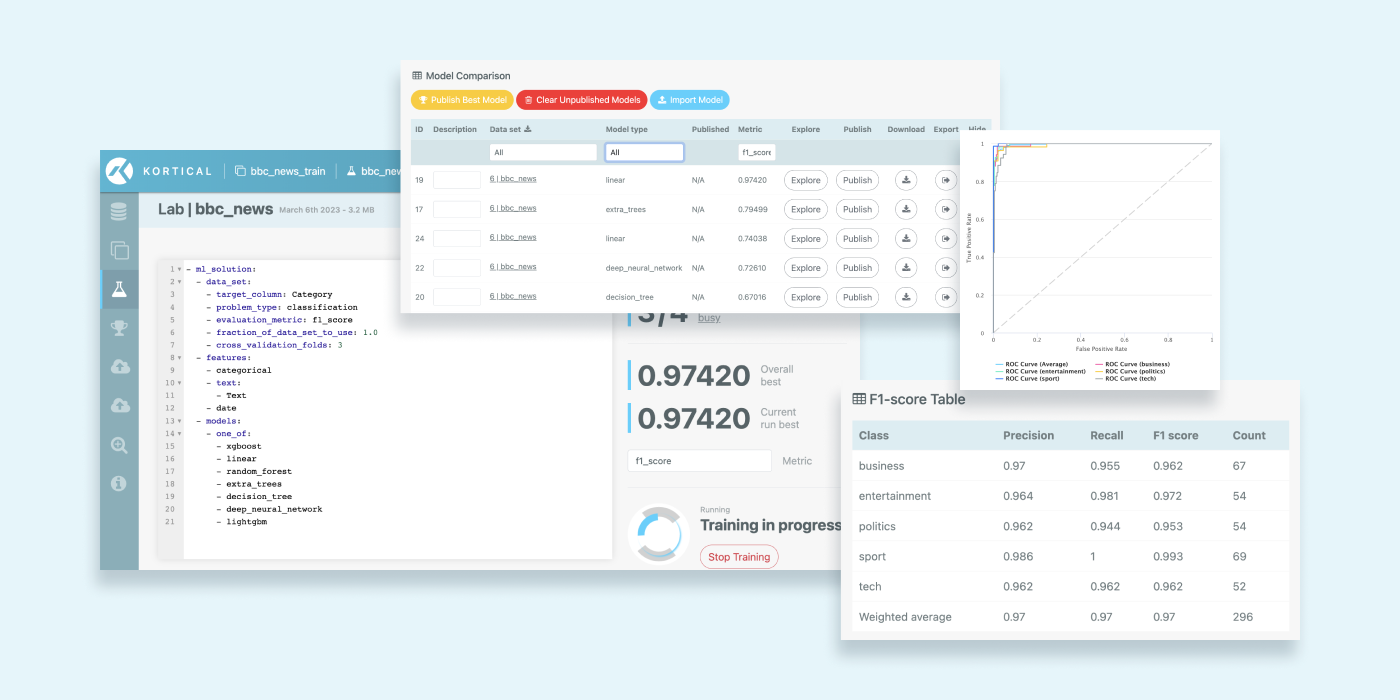
Run `kortical app deploy` (this takes your local code and puts it in the cloud)
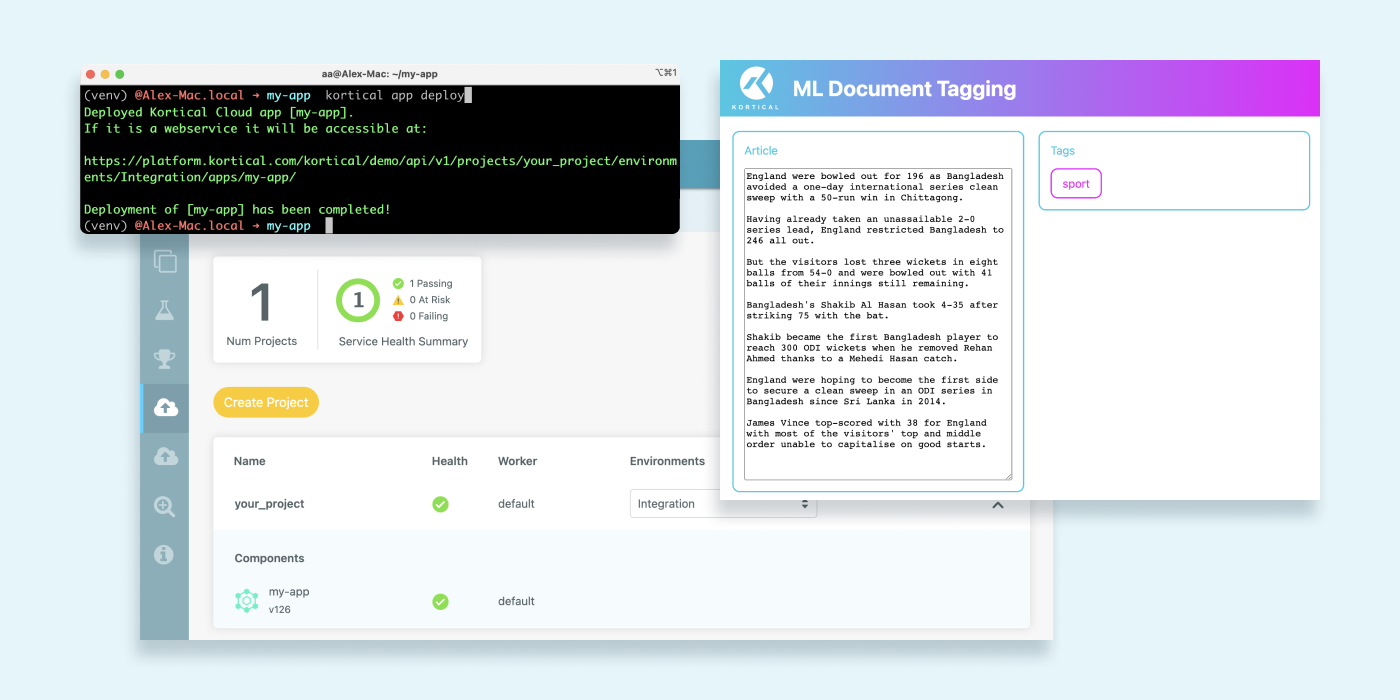
Check out your app
Deploy
Steps to put your app live in prod
Create a git repo for your app
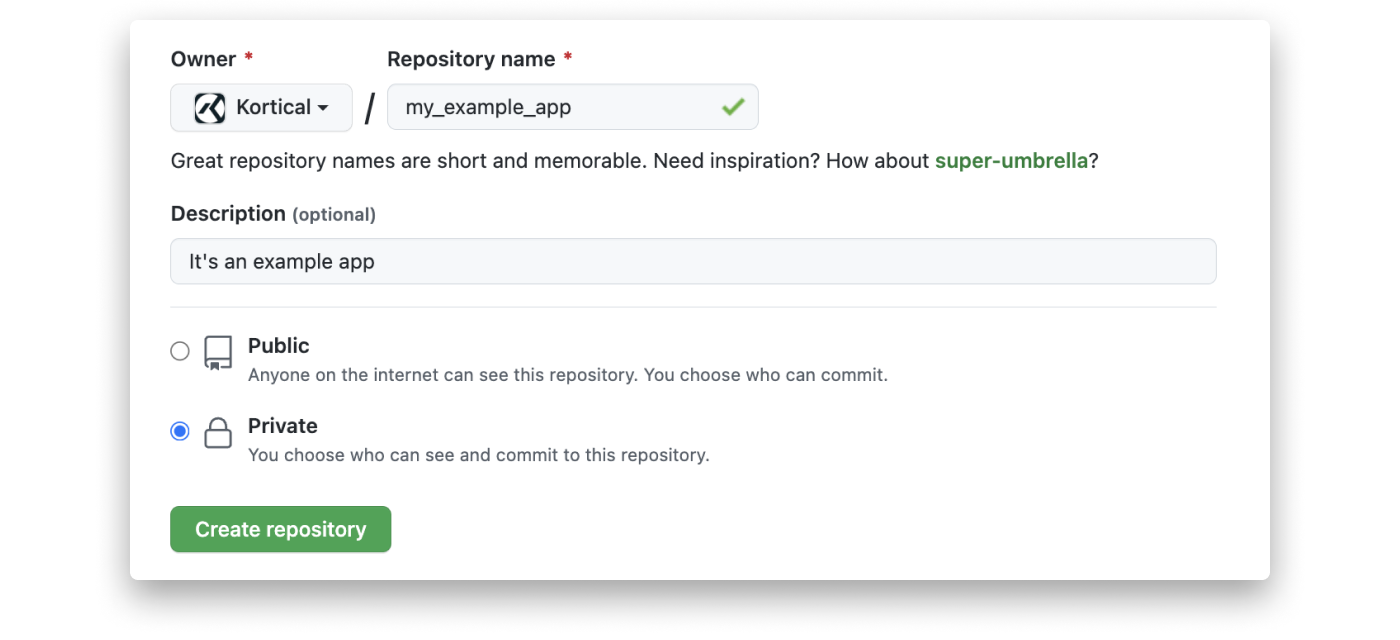
Commit the code
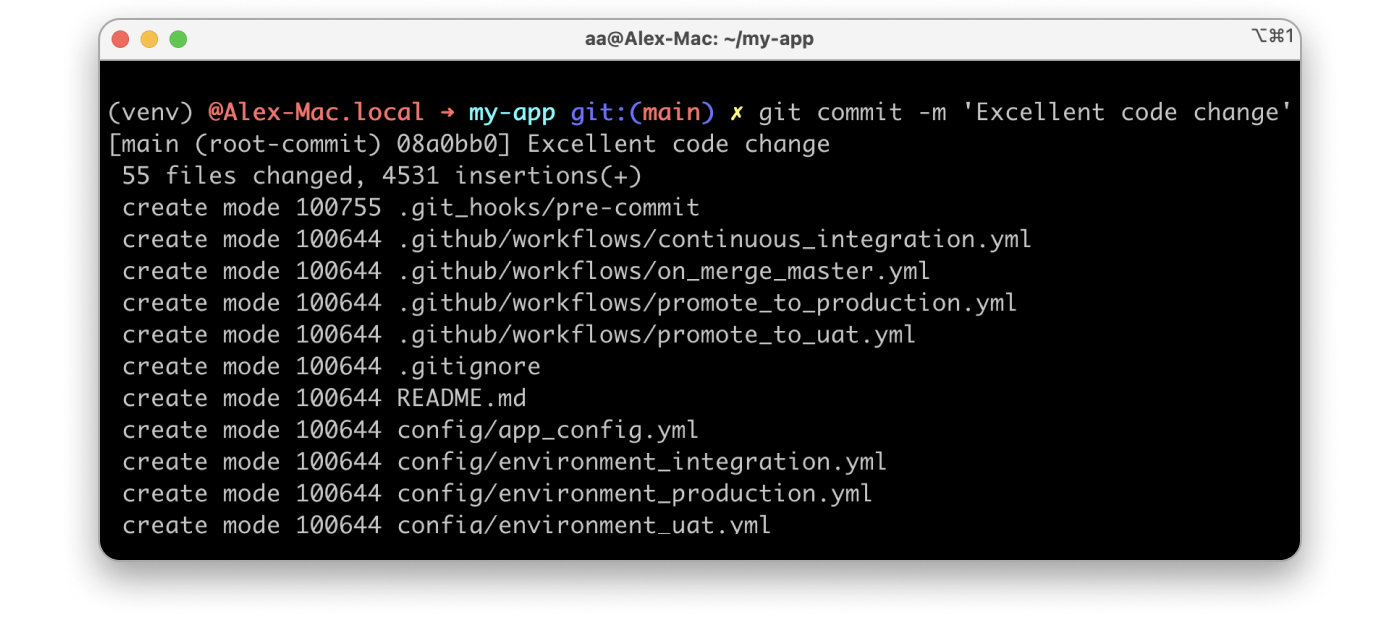
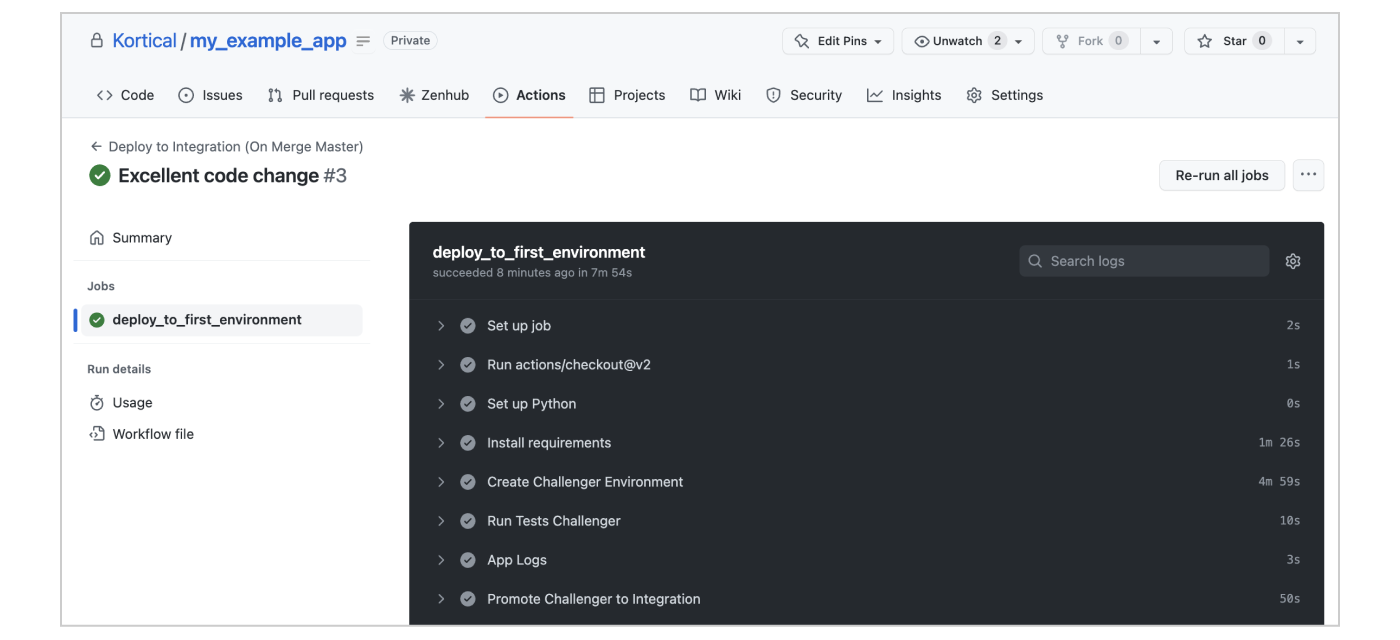
Check all the continuous integration tests have passed
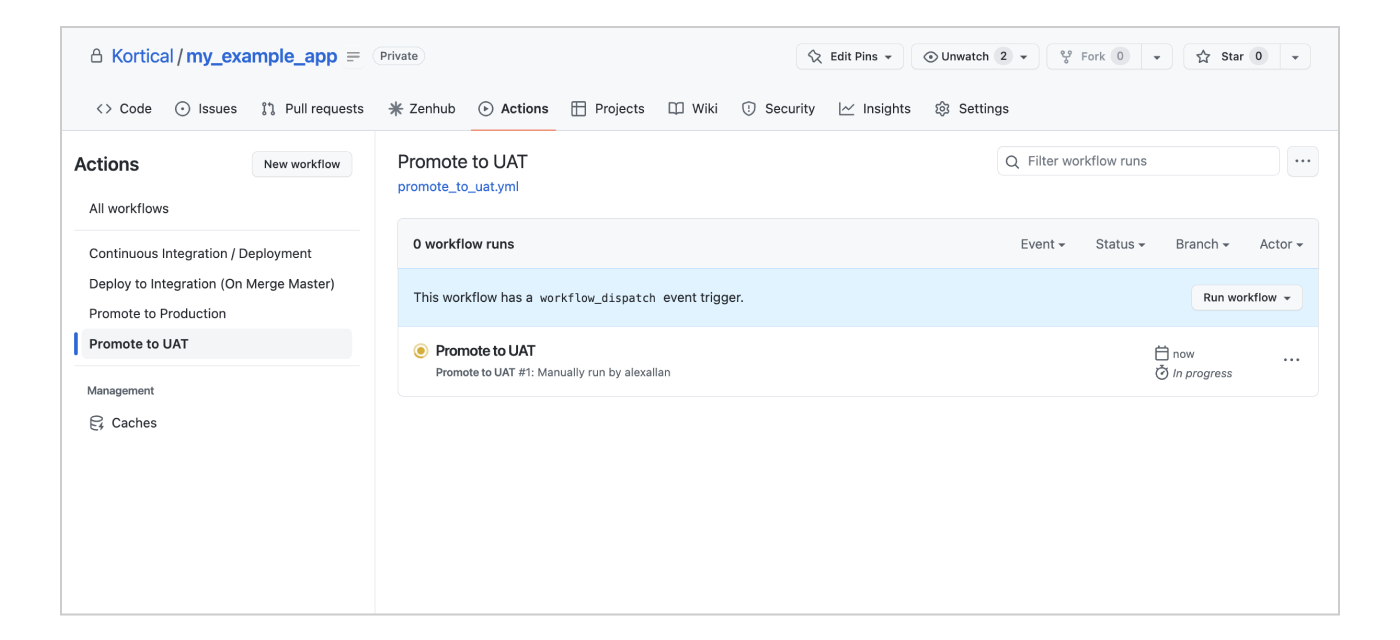
Click promote to UAT
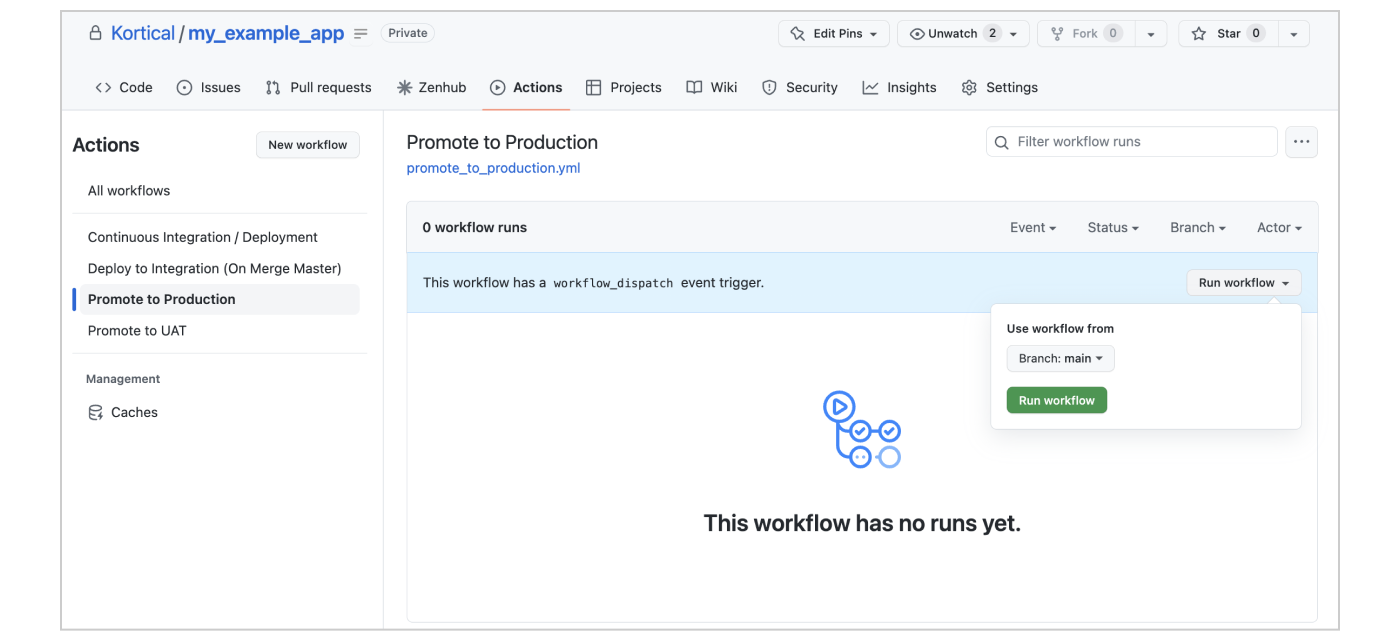
Click promote to Prod
MLOps
Steps to maintain your ML solutions
Check your dashboard / notifications to keep everything running smoothly
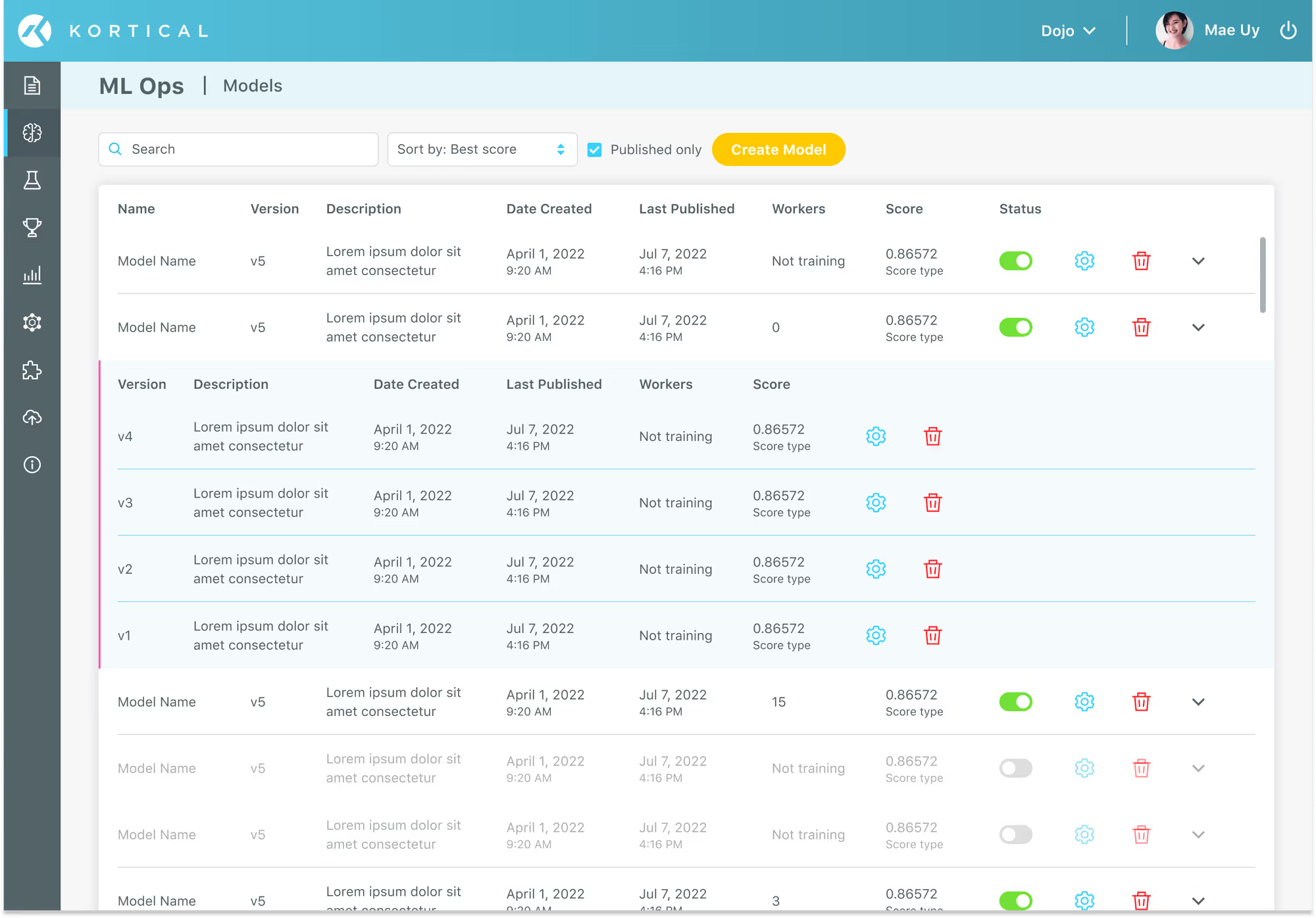
- Versions tracking and governance
- One click deployment and rollback for collections of apps and models
- Multiple environments for staged deployment
- Continuous integration / deployment
- ML Apps that meet the strictest enterprise SLAs
- Manage model / environment hardware via simple interface
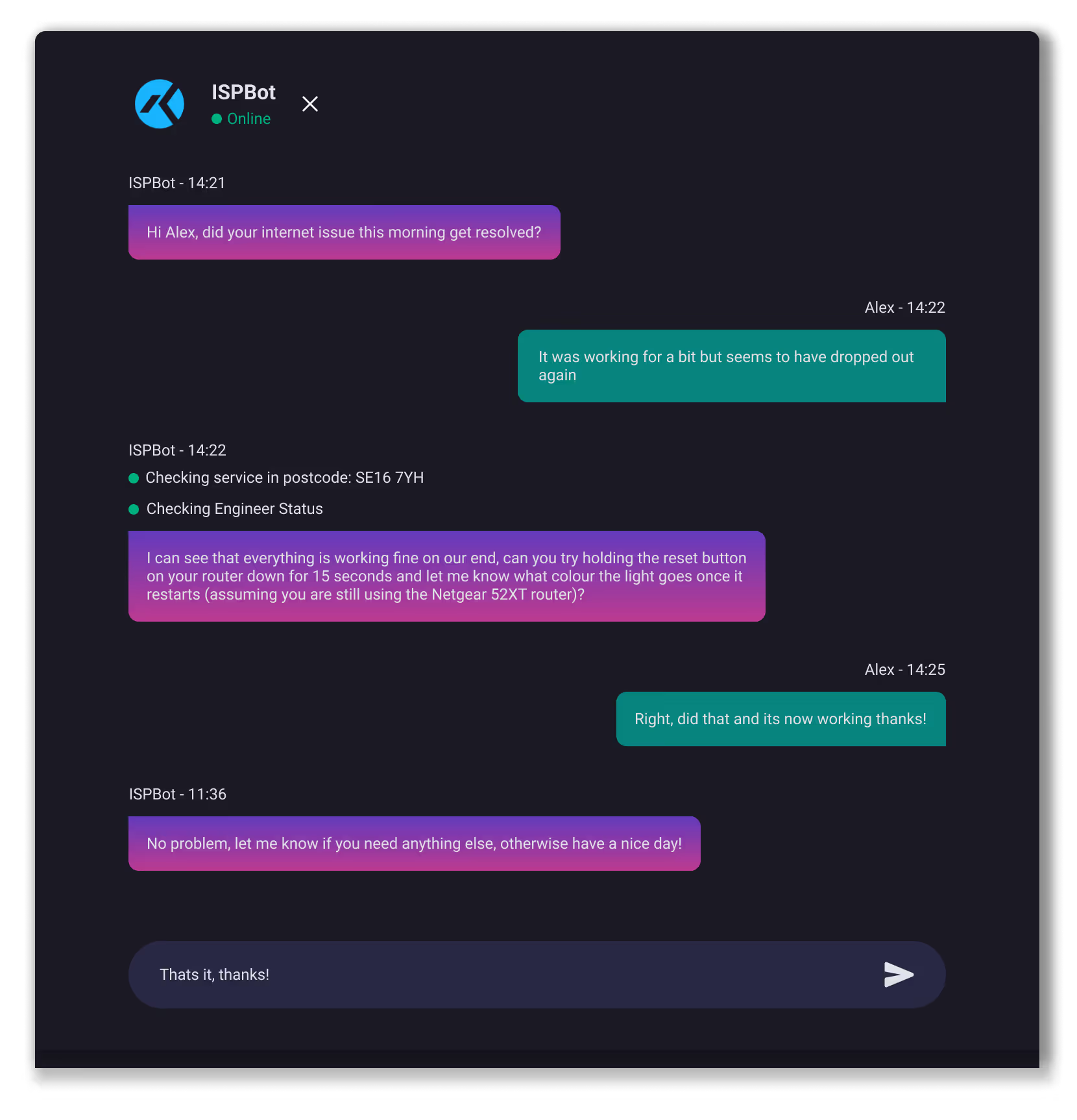
Check your models
- Data drift
- Accuracy drift
- Business case drift
- Explainability
- Automatic version tracking

Ready to automate real work?
Contact us to see a focused demo and explore the quickest path to production.
Thank you!
A Kortical team member will be in touch shortly